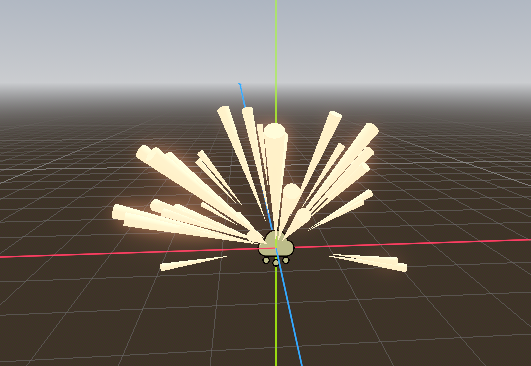
Erstelle eine Szene explosion.tscn mit Root-Node vom Type Node3D. Hänge eine GPUParticle Node als Kind an und nenne die Funken.
Im Inspector wählst du:
- Amount: 25
- Time -> Lifetime: 0.5
- Time -> Explosiveness: 1
-
Time -> Fixed FPS: 60
-
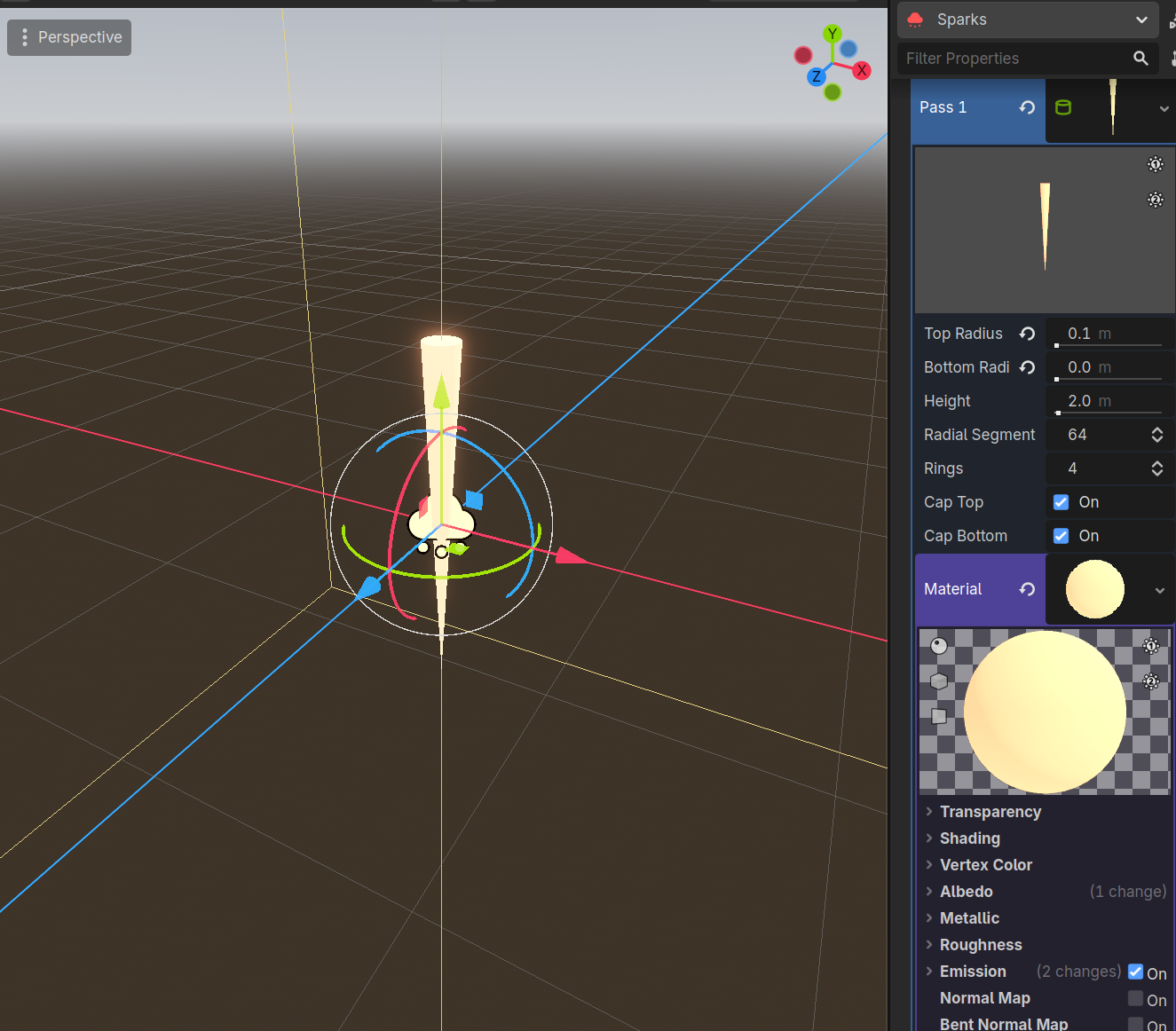
Draw Passes -> Pass 1 -> Cylinder Mesh
Klicke auf das Mesh im Inspektor. Dort änderst du:
- Top Radius: 0.1m
- Bottom Radios: 0m
Füge ein Standard-Material hinzu änder folgende Werte:
- Albedo -> Color: Orange/Gelb (z.B. #f0a175)
- Emission -> Enabled: On
- Emission -> Emission: Orange/Gelb
- Emission -> Energy Multiplyer: 2.0
Wähle Process Material in GPUParticles3D und setze:
- Process Material -> ParticleProcessMaterial
- Process Material -> Gravity: (0, 0, 0)
und ändere dort:
- Spawn -> Velocity -> Spread: 180
- Spawn -> Velocity -> Init. Velocity -> Min: 12
-
Spawn -> Velocity -> Init. Velocity -> Max: 14
-
Particle Flags -> Align Y: On
-
Display -> Scale -> Min: 0.5
- Display -> Scale -> Max: 1.5
Füge eine CurveTextuer hinzu:
- Display -> Scale -> Scale Curve -> Curve
Fängt bei 1.0 an und geht dann gegen Ende rapide auf 0.